Teacher
You want a short lesson with a presenter.
Use an approved image and check every factual statement before students see the video.
A talking-photo tool can make a portrait appear to speak, but a convincing result does not establish consent or truth. This guide separates what you can check yourself from claims that require the provider’s current policies.
Start with the format you plan to use, then consider whose face, voice, and words will appear in the finished clip.
No general answer can replace a review of the exact material you upload and the current terms of the service you use.
A person appearing in an animated portrait may never have approved that use, even if the source photo was publicly available.
What to do instead
Get explicit permission for the image, voice, script, and intended audience before creating or sharing.
Storage periods, deletion controls, and training practices depend on a provider’s current documentation and settings.
What to do instead
Read the current privacy notice and avoid uploading sensitive material if the answers are unclear.
Lip movement and a natural-sounding voice can make false or outdated information seem authoritative.
What to do instead
Check the script against reliable sources and label synthetic presentation where viewers could be misled.
Use your own portrait or obtain specific permission from the person shown. Permission to view or repost a photo is not necessarily permission to animate it.
Keep private documents, health details, children’s images, and unnecessary personal information out of the portrait and script.
Watch the full clip for misleading expressions, pronunciation, and implied endorsements. Explain that it is synthetic when that context matters.
The first three rows address common assumptions. The remaining rows show how those assumptions affect an actual publishing decision.
| Misconception or risky assumption | Safer interpretation | |
|---|---|---|
| Consent | A public photo is free to animate. | Public access does not grant permission to make someone appear to speak. |
| Accuracy | A realistic video makes its script credible. | Check factual claims separately; appearance is not evidence. |
| Privacy | A harmless-looking upload has no privacy implications. | The image, script, and resulting clip can each contain personal information. |
| Voice | A familiar voice is safe to reproduce. | Obtain permission before using a voice associated with a real person. |
| Audience | A private draft can be shared without further review. | Review the final clip and its context before anyone else receives it. |
| Deletion | Removing a local copy removes every copy. | Check the provider’s deletion options and remember that recipients may retain shared files. |
The important change is not just visual: a still image becomes a message that viewers may attribute to the person depicted.
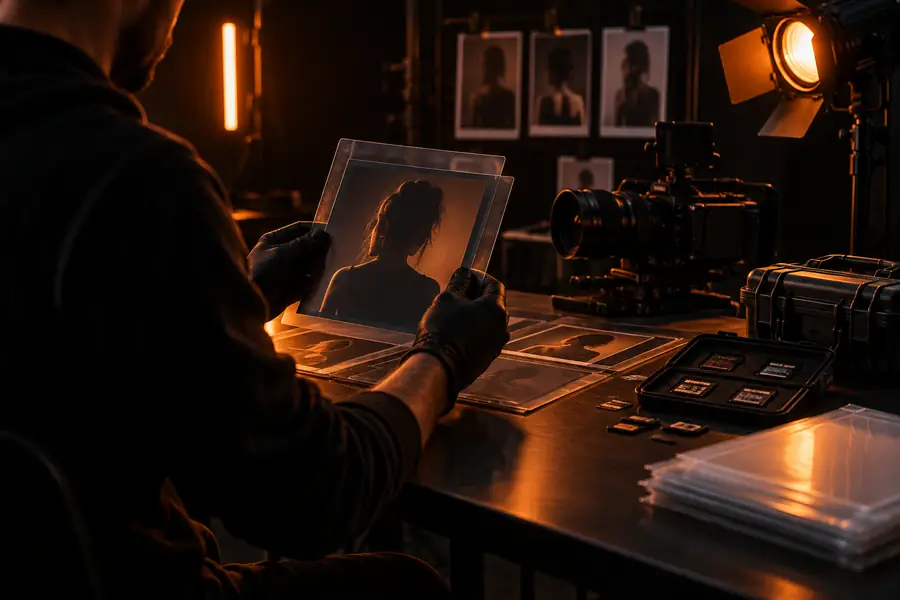

These are illustrative scenes, not a documented before-and-after result. Consent and script review matter at both stages.
Image selected for a videoPresenter shown speakingThe appropriate safeguard changes with the person depicted, the audience, and the claims made in the script.
You want a short lesson with a presenter.
Use an approved image and check every factual statement before students see the video.
You want to animate an older relative’s photograph.
Ask the person or appropriate rights holder first, and do not invent words they might appear to have said.
You want to understand the tool before providing an image.
Identify what the service does and read its current privacy information before uploading personal material.
Avoid making someone appear to endorse a product, deliver a statement, or disclose private information they did not authorize. If consent, rights, or the provider’s handling of your material is uncertain, stop before uploading. For an approved, non-sensitive project, you can explore video creation with a script you have checked.
Safety depends on what you upload, whether you have permission to use it, and how you share the finished video. Check the provider’s current privacy information rather than assuming every image or script is appropriate to submit.
Not simply because the photo is online. Get the person’s permission to animate their likeness and consider whether the planned words or audience go beyond what they agreed to.
Yes. A realistic presenter can appear to say words the person never said, so review the script and avoid implying a real person’s endorsement. Label synthetic content when viewers might otherwise mistake it for an authentic recording.
Watch the whole clip, confirm the facts, and check that the image, voice, and script are authorized. Also consider where it will be posted and whether viewers need to know that the presentation is synthetic.