d id turns AI video and avatars into human conversation
A digital-human studio for teams that need to explain clearly, speak to each viewer personally, and carry one message to every audience, in every channel.
Chosen by teams at












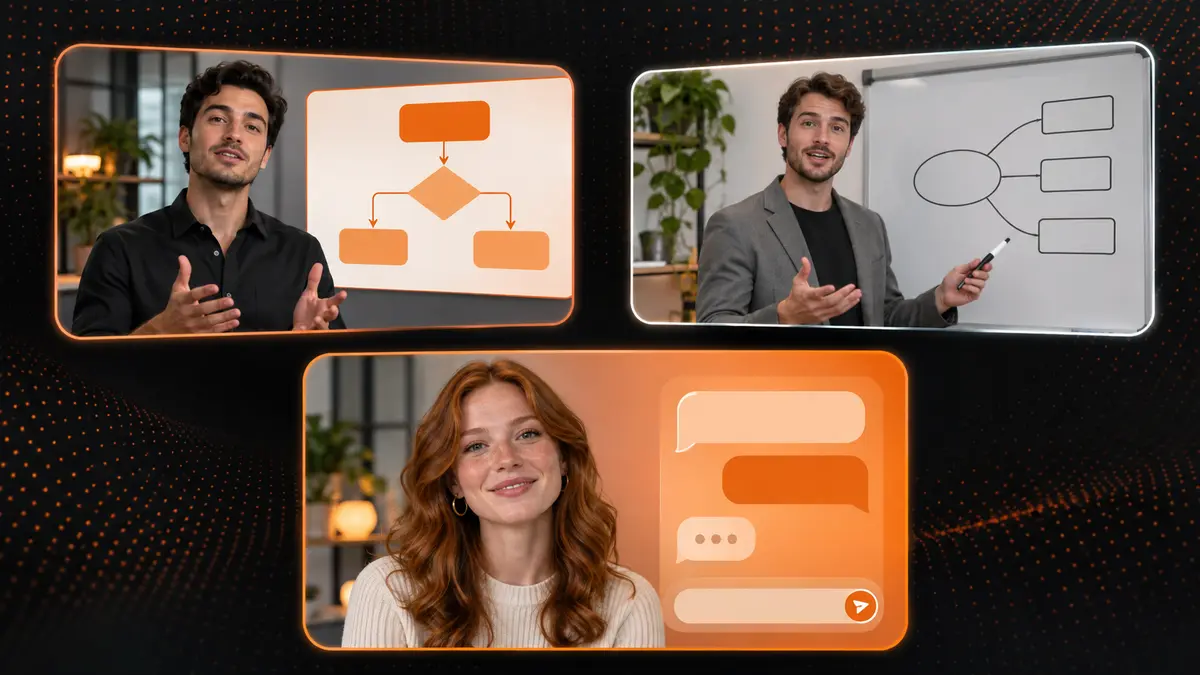
Agentic Video: turn one-way clips into conversations your viewers can steer.
See how it worksLive conversations that read emotion, engineered for product-scale traffic.
Now live: V4 expressive visual agents
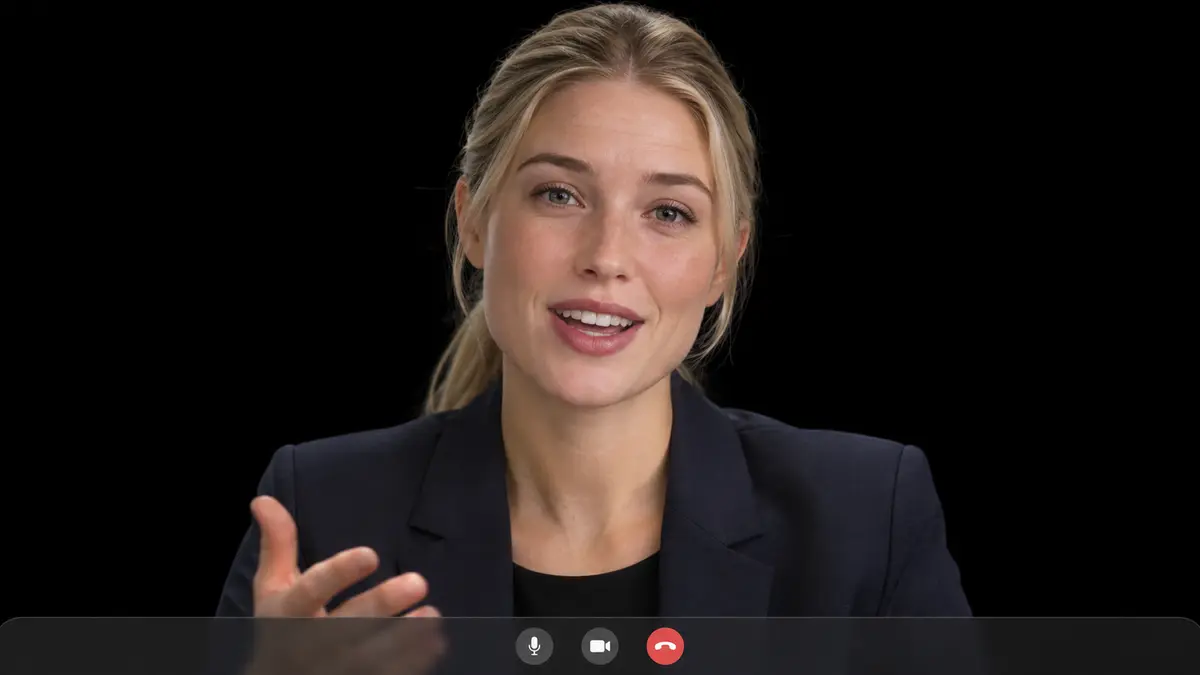
Capabilities your team can count on
Go from script to finished video in minutes. d id keeps pace with training, marketing, sales and support.
Set fonts, colors, logo and presenter once, and every new video stays on brand.
Translate and voice one video in many languages so each market hears it natively.
Skip crews and reshoots. Edit a line of text instead of booking another shoot.
Add talking avatars to your app, site or workflow through a clean, documented API.
Role-based access and review controls let large teams publish with confidence.
Turn scripts, briefs, slide decks or documents into multilingual avatar videos. Consistent and quick, even for complex topics.
Make a videoPut a face on your knowledge base. Agents answer questions out loud, live, on any page.
Build an agentPick a stock presenter or record a short clip to create your digital twin, then reuse it everywhere.
Pick an avatar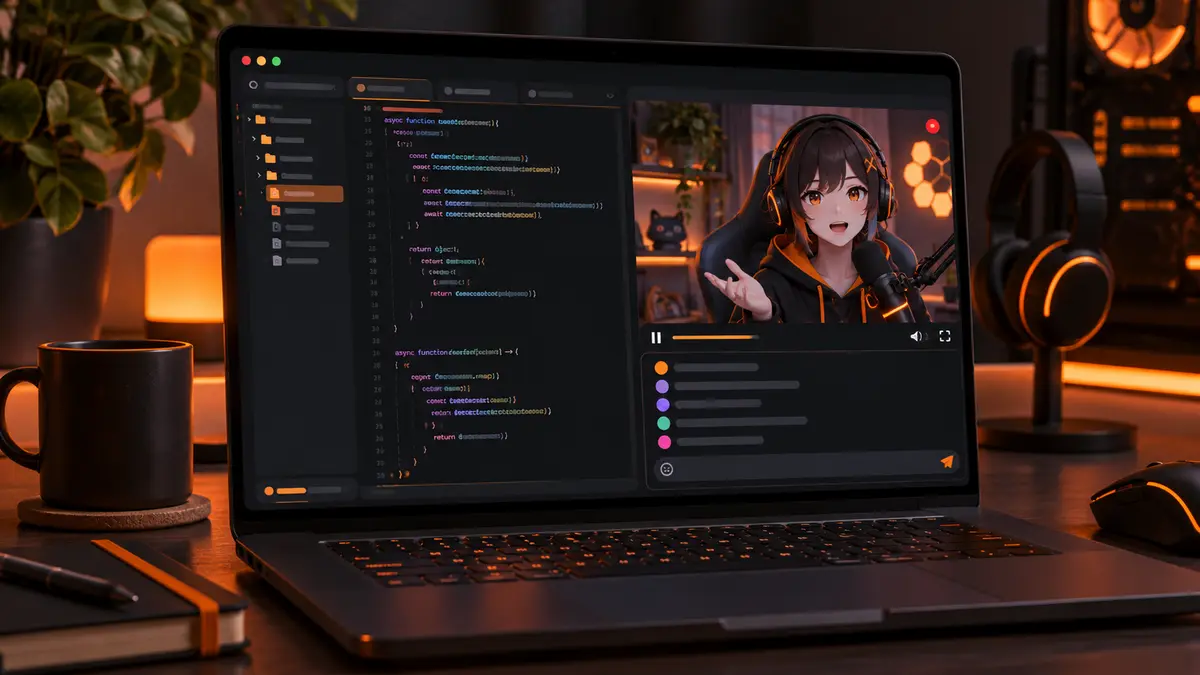
API
Stream talking avatars in real time
Bring d id animation into your own product with low-latency streaming and simple endpoints.
Open the docsLifelike AI avatars that work for every team
Marketing
Lift every stage of the funnel with personalized avatar videos and interactive agents that keep prospects engaged.
Explore marketing
Content creators
Publish more often without filming. Turn ideas into narrated videos for social channels or courses.
Start creating
Learning and development
Refresh training the moment policies change, with d id presenters learners actually finish watching.
Build a course
Sales enablement
Send one-to-one video outreach at scale and coach reps with avatars that role-play buyer calls.
Equip your reps
Customer experience
Answer customers face to face, day or night, with agents that know your docs.
Improve support

Integrations
Connect d id to the tools you already use
Add AI video to Google Slides, PowerPoint, Canva and the other platforms your team relies on.
See integrations
Featured across the industry





AI that's ready for the enterprise

Privacy
Your data stays yours, handled under strict consent and retention rules.

Security
Encryption, audited controls and ISO-certified processes protect every project.

Ethics
Consent sits at the core, and misuse of real likenesses is blocked.

Support
Dedicated success managers guide rollout from pilot to global scale.
Say hello to a more natural interface
Instead of menus and forms, people simply talk to a face that listens and replies.
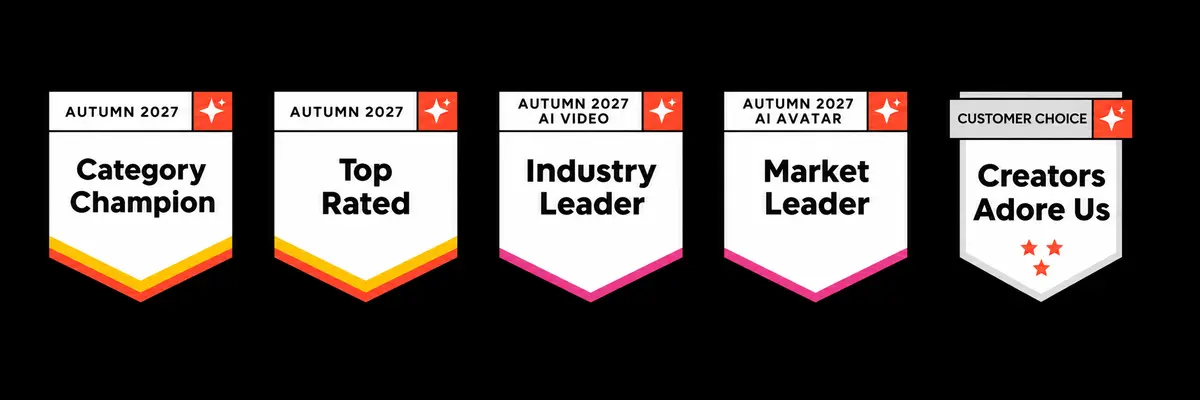
Start talkingRecognized for avatar and AI video innovation

Badges earned across G2 categories, season after season.
What teams tell us

"We localized a full onboarding series in a week. d id made our trainers look sharp in nine languages."

Maya Lindqvist
Head of Learning, Northbeam Labs

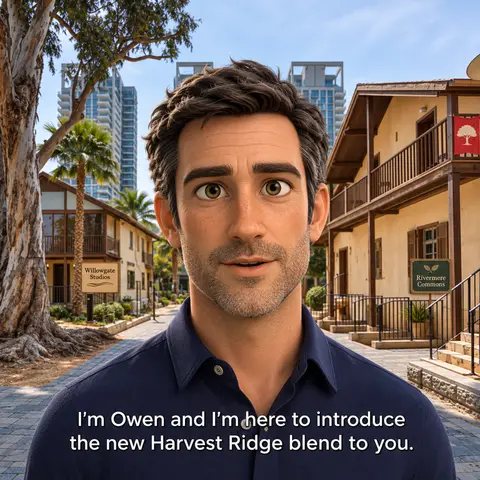
"Customers ask the agent things they'd never email us about, and they stay on the page longer."
Daniel Osei
VP Product, Harborline

"Personalized product videos used to take a quarter. Now we ship them every Monday."

Priya Nair
Content Director, Fennel & Co

"Our newsroom turns breaking stories into presenter-led clips before rivals finish editing."

Lucas Ferreira
Digital Editor, Radio Meridian

"Kids loved hearing a character sing their name. It became our most shared campaign."

Hannah Becker
Brand Lead, Tunewell
AI video questions
What is the d id Studio?
A browser workspace where you write a script, choose an avatar and voice, and render a talking video.
Who is the Studio built for?
Marketers, trainers, sellers, creators and developers who want presenter-led video without a camera crew.
Which formats and resolutions can I export?
Videos export as MP4, with resolution options set in your workspace.
How long can a video be?
Length follows your script. Split long material into short chapters viewers can follow.
Which images can I upload?
A clear, well-lit JPG or PNG portrait with one face toward the camera works best.
How do I choose which face is animated?
If a photo shows several people, click the face you want to bring to life.
How do I get a great generated face?
Describe age, style and expression clearly, ask for a front-facing pose, and keep backgrounds simple.
Where do I find an API key?
Create one in your account's API settings and keep it private on your server.
Can I stream video in real time?
Yes. d id streaming endpoints return animation as it renders, ideal for live chat.